
How to install
Last updated: September 2026
Get Blog-Event Core Up and Running in Just Two Clicks
Installing Blog-Event Core is designed to be simple, even on ordinary shared hosting.
No command line, no complicated configuration, and no need to create database tables manually.
Just enter your database details, create your admin account, and you're ready to go.
Two clicks to install — if you enter the correct information.
1. Connect Your Database
After uploading Blog-Event Core to your server and opening the installation URL, you'll be guided through the installation wizard.
The first step asks for your database connection details:
- Host
- Port
- Database name
- Username
- Password
For a typical shared-hosting installation, the database Host is usually localhost and the default MariaDB/MySQL port is 3306.
Your hosting provider may use different values, so use the database credentials provided by your hosting control panel.
Built-in Server Requirements Check
You don't need to guess whether your server is ready.
The installer automatically checks important requirements before you continue, including:
- PHP version
- Required PHP extensions
- Directory permissions
- Upload limits
- Clean URL support
- Required writable directories
If everything is ready, simply click Test & Continue.
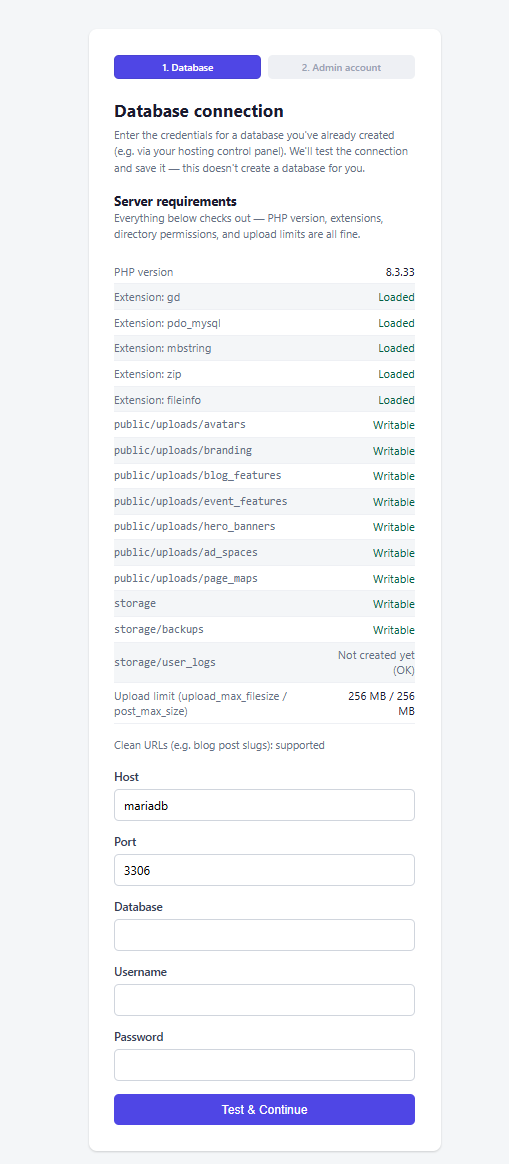
[ IMAGE 1 — Database Connection & Server Requirements ]
The installer checks your server and tests the database connection before continuing.
2. Create Your Admin Account
Once the database connection has been verified, the installer moves to the second step.
Create the administrator account by entering:
- First name
- Last name
- Email address
- Password
- Password confirmation
The installer will create the required database structure and your initial administrator account automatically.
No manual SQL import is required.
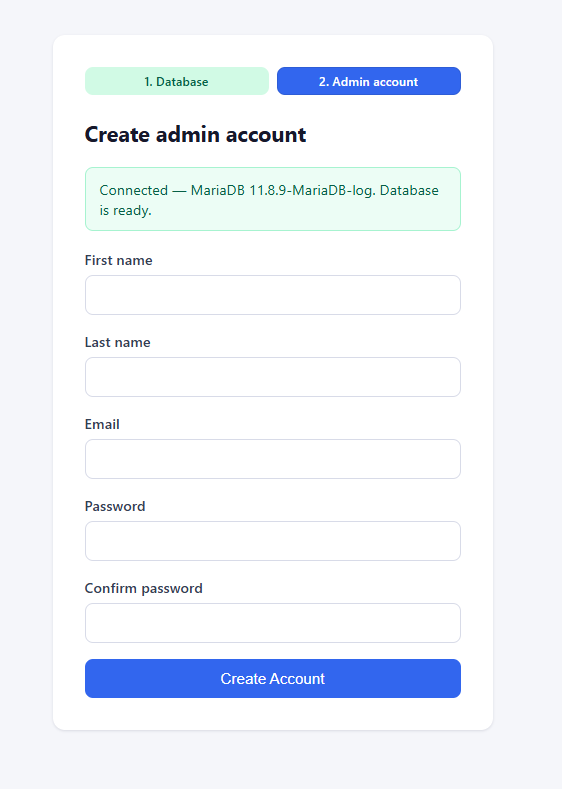
[ IMAGE 2 — Create Admin Account ]
Create your administrator account and let Blog-Event Core complete the installation.
3. Installation Complete
That's it.
Once the installation finishes successfully, you'll be taken to the login page.
Use the administrator credentials you just created to access the Blog-Event Core Admin Panel and start configuring your website.
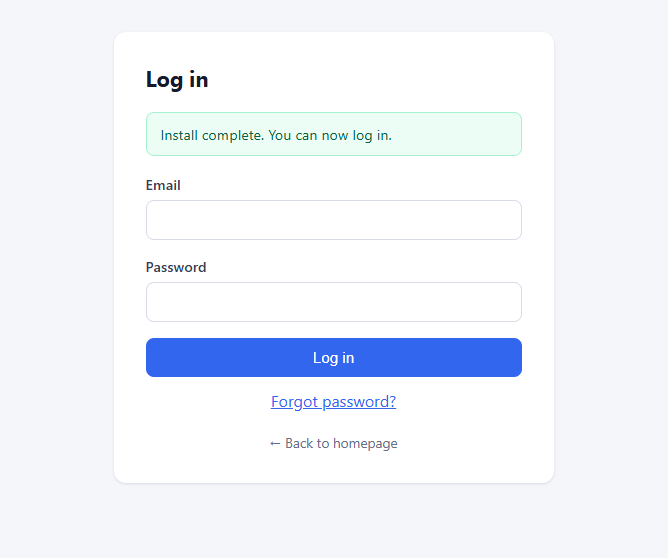
[ IMAGE 3 — Installation Complete / Login Page ]
Installation complete. Log in and start building your website.
Ready to Start
From there, you can configure your site's branding, navigation, homepage, SEO settings, users and permissions, comments, newsletter, social links, analytics, and other features directly from the administration panel.
No complicated deployment process. No database migration scripts to run manually.
Just upload, install, and start building.
Requirements
Blog-Event Core is designed to run on common hosting environments:
- PHP 8.3
- MariaDB 10.6–11.8
- GD extension for image processing
- PDO MySQL
- mbstring
- ZIP
- FileInfo
- Writable application directories
It works with ordinary shared hosting and can also be deployed using Docker.